Input
Keyboard
Type as you would normally — Bizmuth maps your PC keyboard to the Spectrum keyboard by the character you type, so symbols and shifted keys come out right without learning the Spectrum key layout.
Joysticks
The Input menu selects a classic joystick interface; the cursor keys (plus Space for fire) then drive it:
| Interface | Shortcut | Drives |
|---|---|---|
| Sinclair Joystick | Ctrl+J | keys 6 / 7 / 8 / 9 (Sinclair IF2) |
| Spectrum Cursor | Ctrl+K | CAPS + 5 / 6 / 7 / 8 |
| Kempston Joystick | Ctrl+L | the Kempston port $1F |
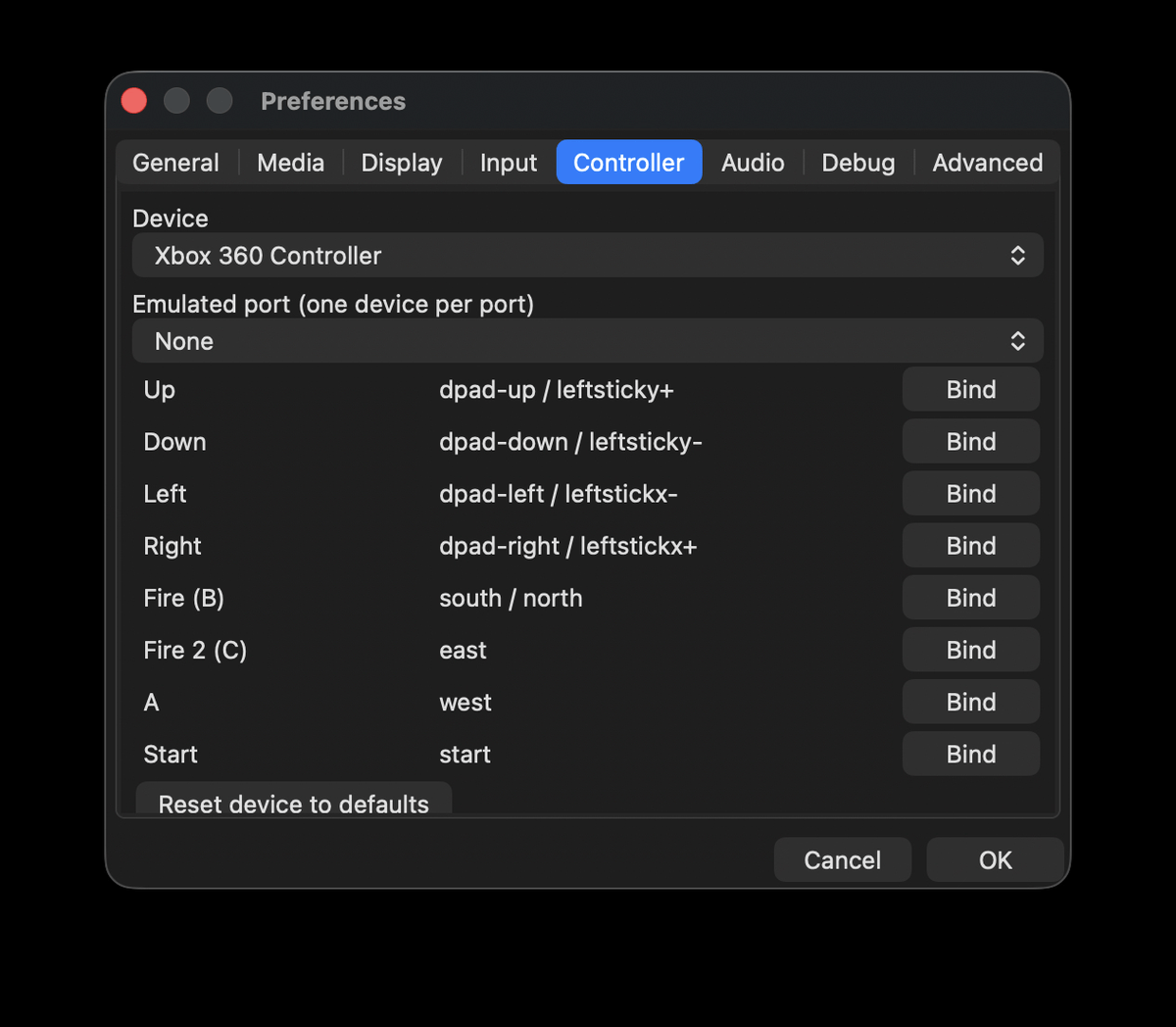
On the Next, the two hardware joystick ports (and Kempston enable) can also be configured on the Input tab of Preferences.
Mouse (Kempston)
Bizmuth emulates the Kempston mouse. Enable Input → Capture Mouse (Ctrl+M) to grab the pointer so it drives the emulated mouse; the pointer is hidden and confined to the window. Release capture to use your pointer normally again.
Gamepads
Connected game controllers are detected automatically and can drive the Next’s joystick ports.