Display & audio
Display
The View menu controls how the picture is shown:
- Scale — a submenu of fixed window sizes, 1×–4× the native display (
Ctrl+1…Ctrl+4;Cmdon macOS). - Maintain Aspect Ratio — keep the correct 4:3-ish shape with letterbox/pillarbox bars, rather than stretching to fill the window.
- Full Screen (
F11) — fill the display; pressF11again to exit. (On macOS, use the native green full-screen button instead.) - Status Bar — show or hide the bottom status bar (tape/disk activity).
The Next’s CRT scanline effect (off / 25 / 50 / 75 %) is a core setting rather than a View item — cycle it with the mod+F7 hotkey (⌘ on macOS, Ctrl on Windows, Shift on Linux) or set a default on the Display tab of Preferences. See the Next core hotkeys.
Audio
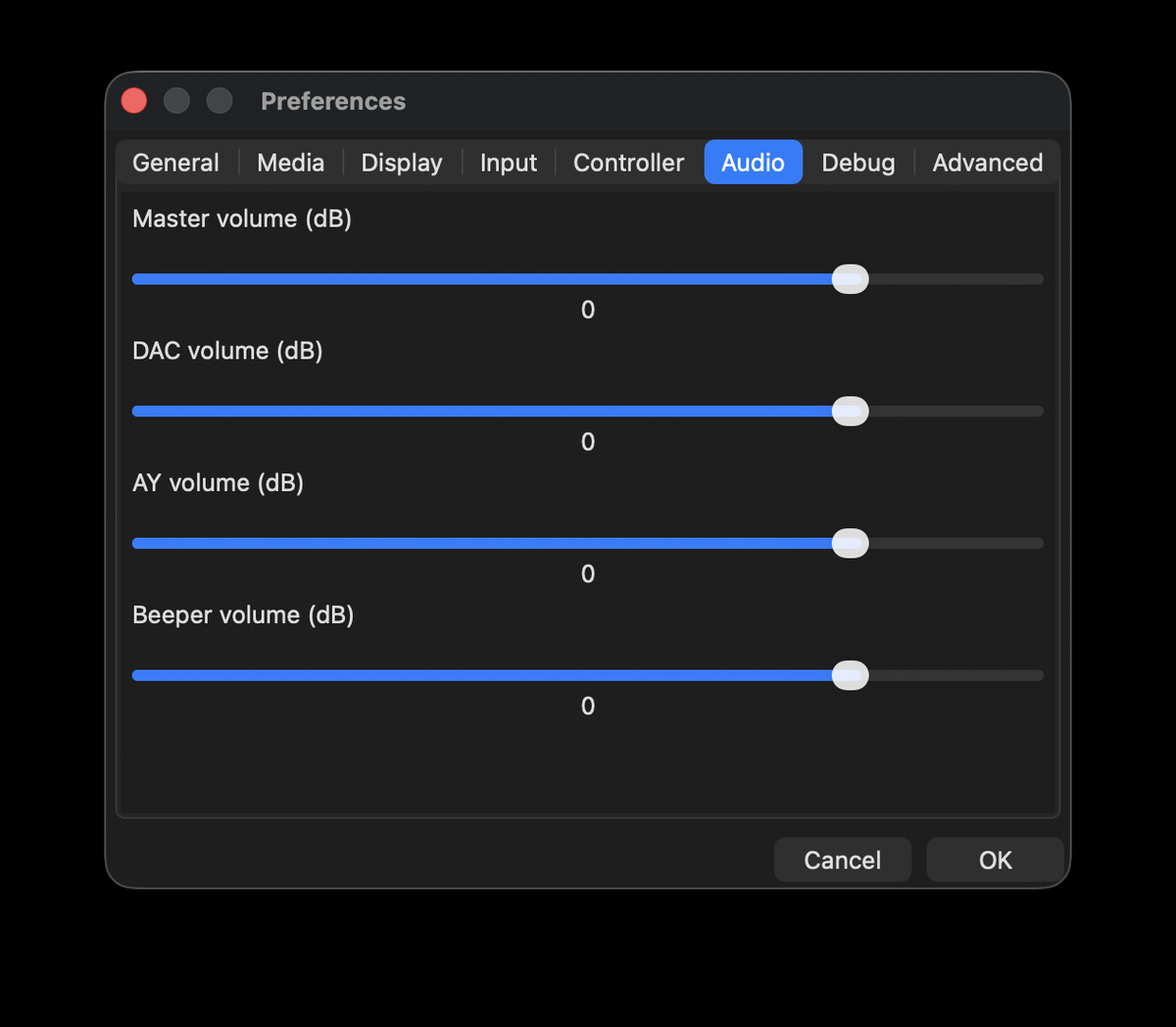
Bizmuth mixes the beeper, the AY chip and the Next’s DAC. Master and per-source volume levels are set in the Audio tab of Preferences.